When your HVAC system starts acting up, figuring out where the reset button is on your thermostat isn't always straightforward. It’s not always a big red button. Your thermostat’s "reset" could be a tiny recessed physical button, a simple battery removal, or even a power cycle at the circuit breaker.
Your First Step in HVAC Troubleshooting
Picture this: It's a freezing Minnesota night, and your furnace suddenly decides it's done blowing hot air. Before you start to panic, just remember that a simple reset is often the best first troubleshooting step you can take. It’s a real game-changer that can fix a surprising number of problems without you needing to schedule a service call.
Thermostat glitches are way more common than most people think. HVAC pros estimate that around 65% of all residential HVAC service calls in the US during peak winter months are tied to thermostat malfunctions or just incorrect settings. The good news? A proper reset can solve up to 40% of those issues without a technician ever setting foot in your home. You can dig a little deeper into these common HVAC service call causes on The Comfort Authority.
Three Primary Reset Methods
To get started, you just need to figure out which reset method your thermostat uses. The right approach really depends on the type of unit you have mounted on your wall.
Here are the three main ways to get it done:
- Physical Reset Button: A lot of modern digital thermostats have a small, recessed button, often labeled "RST." You’ll probably need a paperclip or a pen tip to press it. This is a direct way to reboot the thermostat's internal brain.
- Battery Removal: For the simpler, battery-powered digital models, just popping the batteries out for about 60 seconds works like a charm. This forces the thermostat to power down completely and restart its programming, which can clear out any temporary glitches.
- Circuit Breaker Reset: This method is the catch-all for pretty much any thermostat, including hardwired and smart models. Just head to your breaker box, flip the dedicated HVAC breaker off for a minute, and then flip it back on. This performs a "hard reset" that clears the unit’s memory and re-establishes its connection to your whole system.
To make it even easier, here's a quick cheat sheet for the most common reset methods.
Common Thermostat Reset Methods at a Glance
| Reset Method | Thermostat Type | How to Do It |
|---|---|---|
| Physical Button | Digital & Programmable | Find the small, recessed button (often labeled "RST") and press it with a paperclip for 5-10 seconds. |
| Battery Removal | Battery-Powered Digital | Take the thermostat off its wall plate, remove the batteries, wait 60 seconds, then put them back in. |
| Circuit Breaker | All Types (Hardwired & Smart) | Locate the HVAC breaker in your home's electrical panel, turn it off for a full minute, then switch it back on. |
This table should help you quickly identify the best way to tackle a reset based on what you have. Once you've performed the reset, give your system a few minutes to kick back on and see if the problem is solved.
Key Takeaway: Before you assume the worst, always try a reset. It’s quick, it's free, and it's a surprisingly effective way to fix common thermostat issues and get the heat or AC running again. It just might save you the cost and hassle of a service call.
How to Locate the Reset on Different Thermostat Models
Finding the reset button on a thermostat can feel like a bit of a scavenger hunt. There's no standard location, so where you find it on one model might be totally different on another. Think of this as your field guide for tracking it down on your specific unit.
For a lot of common digital and programmable thermostats, the reset is a physical button, but it's often hidden. You’ll usually need to gently pull the faceplate off its wall-mounted base. Once it's off, take a look at the circuit board for a tiny, recessed button, sometimes labeled "RST."
This button is made small on purpose to keep you from accidentally bumping it. You'll need something like an unbent paperclip or a pin to press and hold it down for about five to ten seconds. This is the go-to method for a factory reset on many popular Honeywell thermostats, for instance.
Smart and Mechanical Thermostat Resets
The game changes completely when you're dealing with smart thermostats or the old-school mechanical kind. They each have a totally different approach to resets.
- Smart Thermostats (Nest, ecobee): These devices almost never have a physical reset button. Instead, the "reset" is handled through software, either on the device's menu or in the smartphone app. You'll navigate through the settings to find options like "Restart," "Reset All Settings," or "Factory Reset."
- Mechanical/Non-Programmable Thermostats: Most of the older, dial-style thermostats don't have a reset button at all. Their simple analog parts don't store any settings, so there’s really nothing to reset in the first place. Troubleshooting these usually just involves a power cycle, which we'll cover in a bit.
This decision tree can help you figure out which path to take pretty quickly.
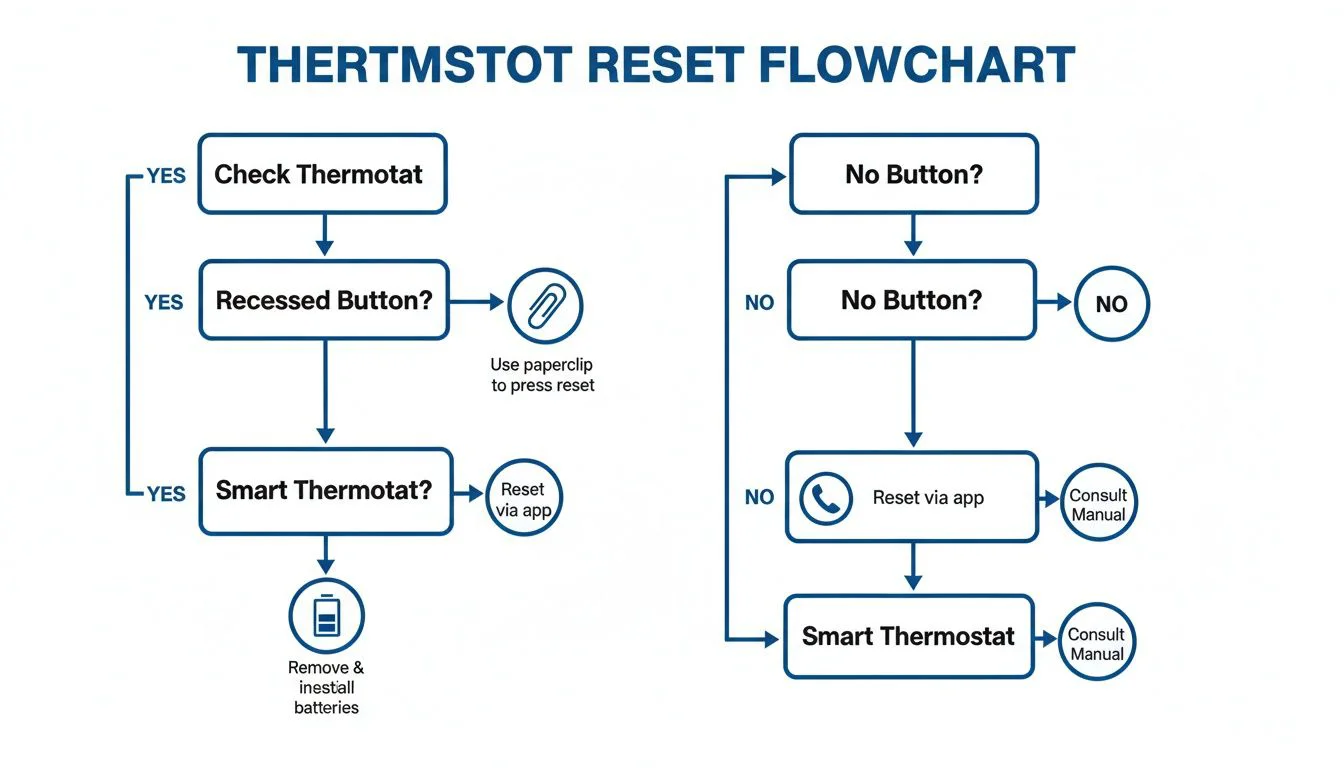
As you can see, the first step is always figuring out what kind of thermostat you have. That will tell you whether you're looking for a physical button, a software menu, or just need to cut the power for a bit.
In our experience, about 75% of modern thermostat panels hide the reset button inside the unit right behind the cover. Meanwhile, top smart brands like Nest and ecobee—which make up about 35% of the smart thermostat market—handle all resets through their app or on-device menu. You can read more about various digital thermostat reset procedures for more model-specific tips.
What to Do When Your Thermostat Has No Reset Button
Searched high and low but can't find a reset button on your thermostat? Don't panic. It’s actually pretty common, especially with simpler digital models or the original thermostats in older homes. A lot of them just don't have one.
Instead of looking for a tiny button, you'll need to do what we call a "hard reset." This just means you’re going to temporarily cut its power supply to force the internal computer to restart from scratch. It’s a great trick for fixing a frozen screen or when the buttons stop responding.
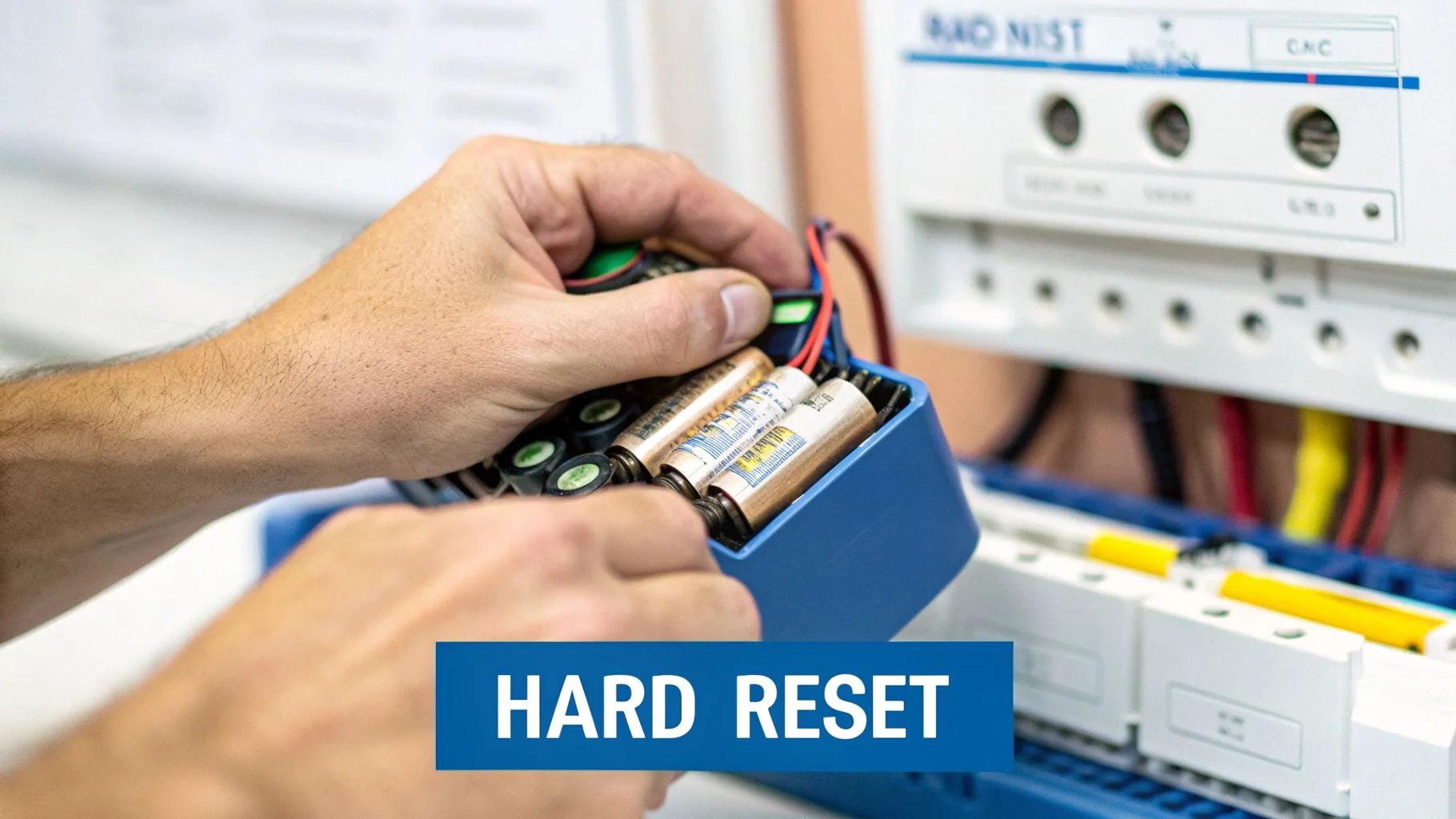
There are two easy ways to get this done safely.
Two Methods for a Hard Reset
If your thermostat runs on batteries, this first method is the simplest. Gently pull the thermostat’s faceplate off its wall mount. Pop the batteries out and just let it sit for a full 60 seconds. This little pause is important—it makes sure any leftover power drains completely. After a minute, put the batteries back in and snap the faceplate back on.
The second method is a bit more heavy-duty and works for any thermostat, including hardwired models that don't use batteries. For this, you’ll head to your home's circuit breaker.
- Find Your Breaker Box: This is usually in the basement, garage, or a utility closet.
- Find the HVAC Breaker: Look for the switch labeled “HVAC,” “Furnace,” or “AC.”
- Flip the Switch Off: Turn that specific breaker to the "OFF" position.
- Wait 60 Seconds: Again, give it a full minute. This lets the system's memory clear out.
- Power It Back On: Flip the breaker back to the "ON" position.
This power cycle is our go-to move for older, non-programmable units. In fact, for those basic thermostats with no menus or buttons—which we still see in about 20% of older Minnesota ranch homes built before 1980—this trick works over 90% of the time. It's a lifesaver, especially since AC breakdowns can surge by 250% during the heat of July and August.
A Quick Tip: If you've tried a hard reset and the thermostat screen is still blank or acting up, it could point to a bigger problem. This is especially true for smart thermostats. If you’re dealing with a Nest, for instance, you might want to check out our guide on common Nest thermostat wiring issues.
What to Expect After Resetting Your Thermostat
Alright, you found the reset button and rebooted your thermostat. That’s a great first step, and it often solves whatever glitch was causing you a headache. But hold on—the job isn't quite done. A factory reset, whether from a button or a power cycle, is like a fresh start. It wipes the slate clean.
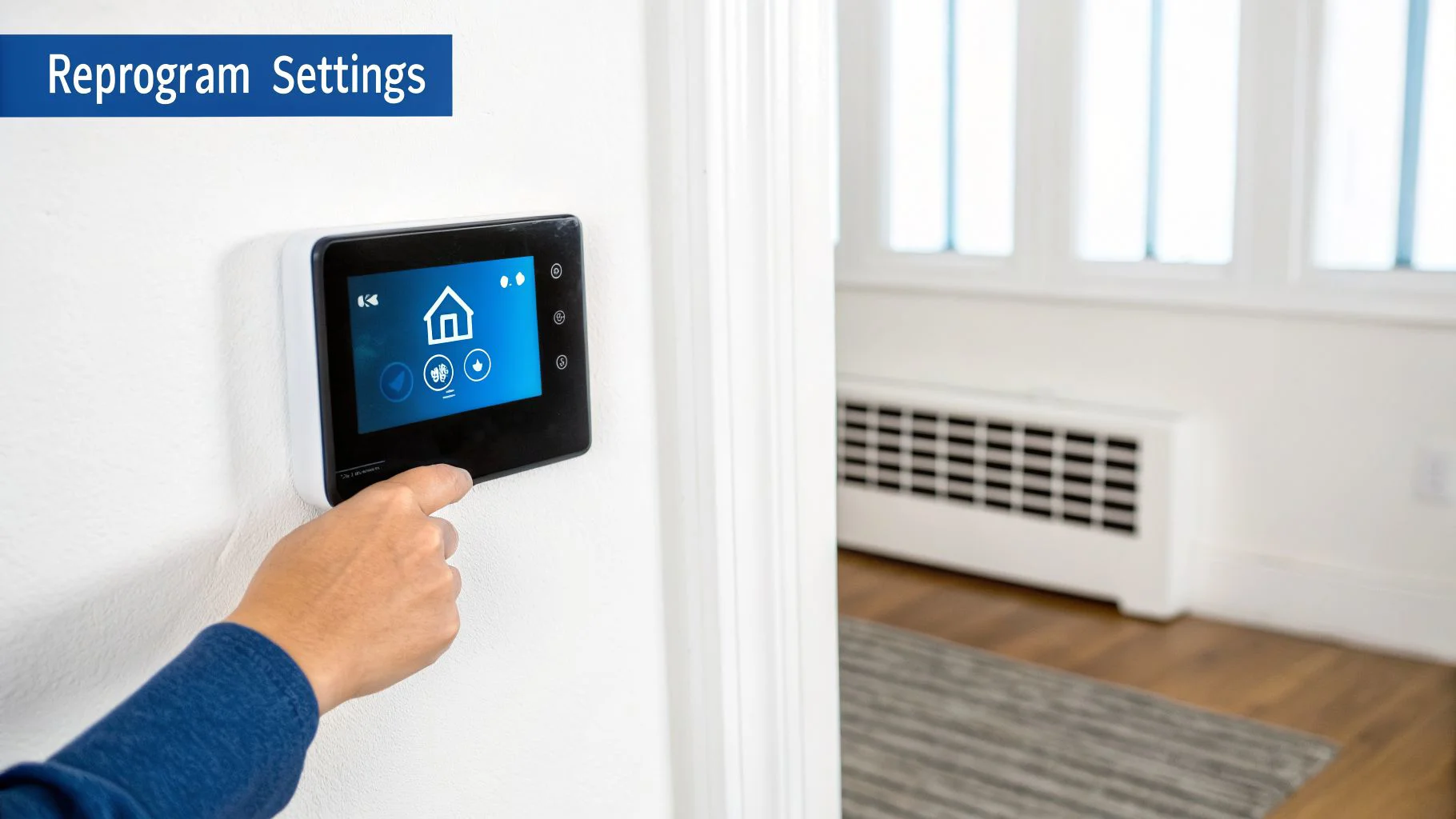
That means all those personalized settings you carefully programmed are probably gone. Your custom schedules, temperature preferences, and Wi-Fi connections have vanished. The next step is to put everything back the way you like it to get your home feeling comfortable again.
Reprogramming Your Settings
If you have a programmable or smart thermostat, it’s time to rebuild your daily and weekly schedules. This is actually a great chance to fine-tune your settings, especially with Minnesota’s wild temperature swings. For a good starting point, the U.S. Department of Energy has some solid recommendations:
- Winter Setting: Set it to 68°F while you’re home and awake.
- Summer Setting: Aim for 78°F when you're at home.
To really maximize your savings, you can program the temperature to be a few degrees cooler in the winter or warmer in the summer when you’re asleep or out of the house.
Pro Tip: After a reset, don't just set one temperature and walk away. Take a few minutes to build a schedule that actually matches your family's routine. It’s a simple move that can make a big difference in your energy bills and keep your HVAC system from overworking.
Confirming the Reset Worked
Once you’ve reprogrammed your settings, you need to make sure the reset actually fixed the original problem. This part is easy. Just set your thermostat to either heat or cool and adjust the temperature so it has to kick on.
You should hear a distinct "click" from the thermostat—that’s the sound of it telling your HVAC unit to get to work.
After you hear the click, give it about five minutes and go check the air coming out of your vents. If you feel warm or cool air blowing as expected, you’re all set. The reset was a success. But if the system doesn’t turn on or the same old problem pops up again, it’s likely a sign of a deeper issue that needs a professional eye.
When a Reset Fails and It’s Time to Call a Professional
A thermostat reset is a fantastic first step, but let's be real—it’s not a magic wand. Sometimes, the problem is bigger than a simple glitch, and knowing when to throw in the towel and call a pro is key to avoiding more headaches and potential damage.
If you’ve tried resetting the thermostat and your HVAC system is still giving you the silent treatment, it’s a pretty clear sign the issue runs deeper. A screen that stays blank even after a reset and fresh batteries, or a thermostat that conks out again a few hours later, usually means the unit itself has failed.
Signs of a Deeper System Issue
Don’t get stuck in a loop of resetting a thermostat that’s trying to tell you something more is wrong. These red flags point to problems that a paperclip and a prayer just can’t fix.
You’ll want to watch out for these warning signs:
- Persistent Error Codes: If an error code keeps popping back up after a reset, your system is waving a big red flag. That code is a specific message meant for a technician to diagnose.
- Unusual Noises: A buzzing or humming sound coming from the thermostat itself is not normal. It often points to a problem with the wiring or a failing internal component.
- HVAC System Won't Engage: You’ve reset the thermostat, you hear that familiar "click," but the furnace or air conditioner never actually kicks on.
These symptoms often point to problems like faulty wiring between the thermostat and the HVAC unit, a bad transformer supplying low voltage power, or a failing control board in your furnace or air handler. These are not DIY fixes and can be dangerous if handled improperly.
If you’ve tried a reset and your thermostat clicks but the furnace doesn't turn on, it's a classic sign of a communication breakdown. You can learn more about what this means in our guide to why a thermostat clicks but the furnace doesn’t start.
When you see these signs, it's time to put down the paperclip and call the experts at Neighborhood Plumbing, HVAC, and Electrical.
Common Questions About Thermostat Resets
Even after you've managed a reset, a few questions might still be bouncing around in your head. Getting a handle on the different types of resets and knowing when to use them will help you troubleshoot with more confidence next time something acts up.
Will Resetting My Smart Thermostat Erase All My Data?
This really depends on which reset you choose. Smart thermostats like a Nest or ecobee usually have a simple "Restart" option tucked away in their settings menu. Think of this as just rebooting your computer—it’s great for clearing out minor glitches but leaves your schedules, Wi-Fi info, and learned settings untouched.
The "Factory Reset" option, however, is the nuclear option. This wipes the device completely clean, taking it back to its out-of-the-box state. You’ll lose everything—custom schedules, learned habits, and network settings. It's best to always try a simple restart first.
A factory reset should be your last resort. It's the point of no return for all your personalized settings, so only go there if a simple restart or power cycle hasn't solved the problem.
How Often Should I Need to Reset My Thermostat?
Resetting your thermostat should definitely not be a regular chore. You should only really need to do it when the unit is actively on the fritz—like if the screen is frozen, it’s totally unresponsive, or your HVAC system is ignoring its commands.
If you find yourself resetting it all the time, say weekly or even monthly, that's a big red flag. It’s a strong signal that there’s a deeper issue at play, like a failing component or a wiring problem that needs a pro to diagnose. An occasional reset is one thing, but if it becomes a habit, you might be wondering whether your thermostat can go bad.
My Thermostat Screen Is Blank. Should I Reset It?
A blank screen doesn't automatically mean it's time for a hard reset. Before you jump to that conclusion, you should always check a couple of the most common culprits first.
- Check the Batteries: If your thermostat is battery-powered, pop in a fresh set. Dead or dying batteries are the #1 cause of blank screens, hands down.
- Check the Breaker: For hardwired units, walk over to your home's circuit breaker panel. See if the switch connected to your HVAC system has tripped.
If neither of those quick fixes brings the screen back to life, then a hard reset by flipping the power off at the breaker is your next logical step. If the screen is still blank after all that, the thermostat itself has probably failed.
If you've tried these fixes and your thermostat is still giving you trouble, don't hesitate to call the pros. For reliable service in Central Minnesota, contact Neighborhood Plumbing, HVAC, and Electrical to get your system back on track.