If your new thermostat isn't talking to your furnace, don't panic. The problem is almost always a simple one. It usually boils down to incorrect thermostat settings or a power interruption that happened while you were doing the installation, like a tripped breaker. Before you start thinking the worst, a quick check of these basics will get the heat back on in most cases.
Your First Steps When The Heat Won't Kick On
So you just installed your shiny new thermostat, feeling pretty proud of your DIY skills. But now the house is getting colder, and the furnace is completely silent. It’s a frustratingly common moment when your home improvement project seems to have backfired.
The good news is that a silent furnace after a thermostat swap rarely means something catastrophic has happened. More often than not, the culprit is just a small oversight. This is why the first few minutes of troubleshooting are so important—they can save you a ton of stress and the cost of an unnecessary service call.
Check The Thermostat Settings First
Before you even think about touching a wire or heading to the breaker box, just look at the thermostat's screen. You’d be surprised how often incorrect settings are the reason a furnace won't turn on after a thermostat change. In fact, it’s estimated that wrong settings are behind 25-30% of these calls, making it the number one thing to check.
Your new thermostat might have defaulted to a setting you weren't expecting. Make sure it’s set to:
- HEAT: Not 'Cool,' 'Fan,' or 'Off.' I know it sounds obvious, but this is hands-down the most common mistake.
- Temperature: The temperature you set needs to be higher than the current room temperature. Otherwise, there’s no reason for the heat to kick on.
- No 'Hold' or 'Vacation' Mode: Check that you haven't accidentally activated a setting that overrides your normal schedule and keeps the furnace off.
This simple chart breaks down those first few checks into three core areas: the thermostat settings, the furnace's power switch, and the breaker panel.
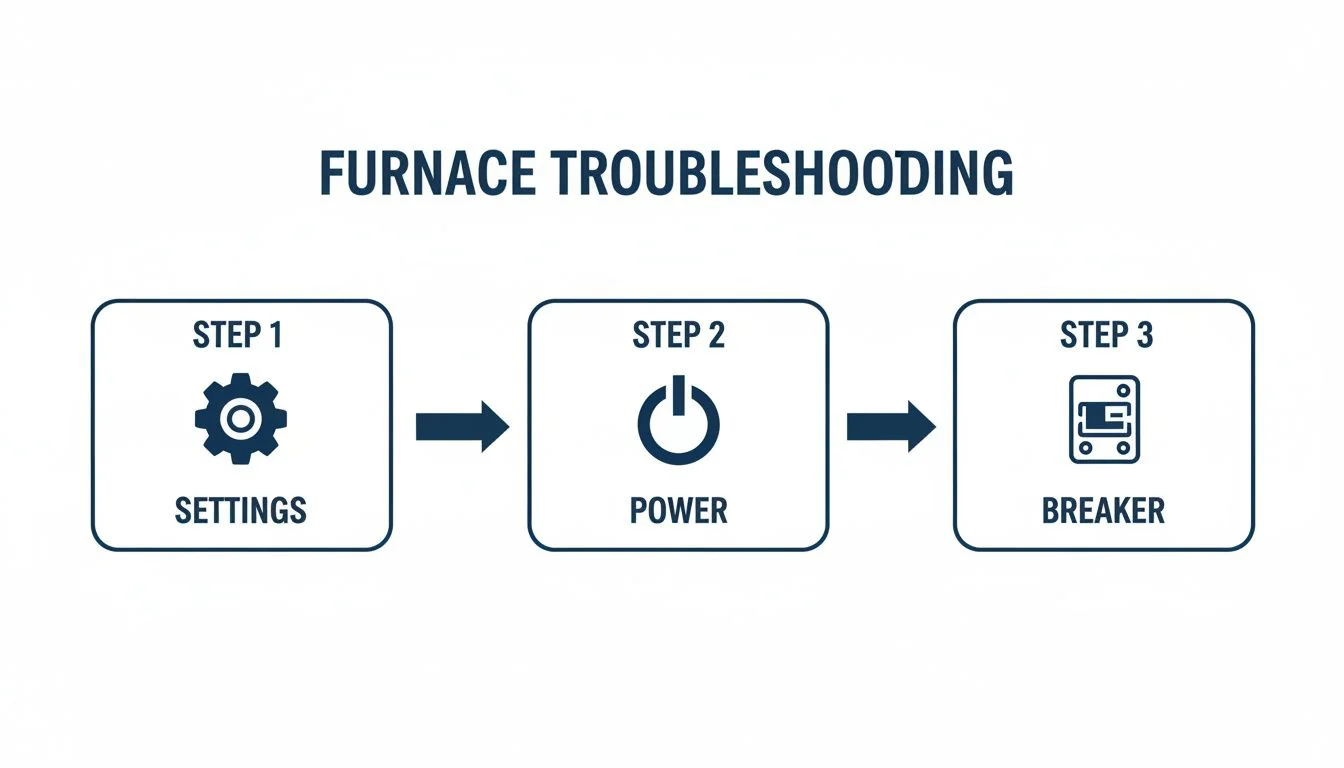
Think of it this way: always start with the easiest fixes right at the thermostat before you start digging into the electrical side of things.
To give you a quick reference, here's a simple checklist for those initial steps.
Initial Troubleshooting Checklist
| Check | What to Look For | Quick Fix |
|---|---|---|
| Thermostat Mode | Is it set to 'HEAT'? | Switch the mode from 'Off' or 'Cool' to 'HEAT'. |
| Temperature Setting | Is the set temp higher than the room temp? | Raise the temperature setting by at least 5 degrees. |
| Breaker Panel | Is the furnace breaker tripped? | Flip the breaker completely OFF, then back ON. |
| Furnace Switch | Is the power switch near the unit ON? | Locate the switch (looks like a light switch) and flip it ON. |
Following this checklist can often resolve the problem in minutes, without needing to go any further.
Verify Power To The System
Okay, so the settings are right, but there's still no action. The next place to look is power. Sometimes, the simple act of swapping out the thermostat is enough to trip a breaker. It happens.
Head over to your home's electrical panel and find the circuit breaker labeled "Furnace," "HVAC," or maybe "Air Handler." If it's in the 'OFF' position or looks like it's stuck in the middle, flip it all the way off and then firmly back on.
Key Takeaway: A tripped breaker is doing its job by protecting your system. If you reset it and it trips again right away, don't keep trying. That's a clear sign of a deeper electrical problem that needs a professional to diagnose safely.
If your system is still dead in the water after these basic checks, a more comprehensive Practical DIY Fix-It Guide can walk you through some other potential issues before you decide to call for backup.
Confirming Power to Your Thermostat and Furnace
Okay, so you've double-checked all the settings on your new thermostat, but the furnace is still silent. What gives? The next thing to check is power. It sounds obvious, but a lack of juice is a top reason why a furnace not turning on after a thermostat change. You've just been messing with the system's wiring, and it's surprisingly easy to knock a battery loose or trip a breaker without realizing it.
First, just look at the thermostat. Is the screen completely blank? If it's a battery-powered model, that's your biggest clue. Don't jump to conclusions, though—just pop in a fresh set of batteries. You’d be surprised how often this is the culprit. In fact, battery-related issues make up roughly 15-20% of all no-heat service calls we get.
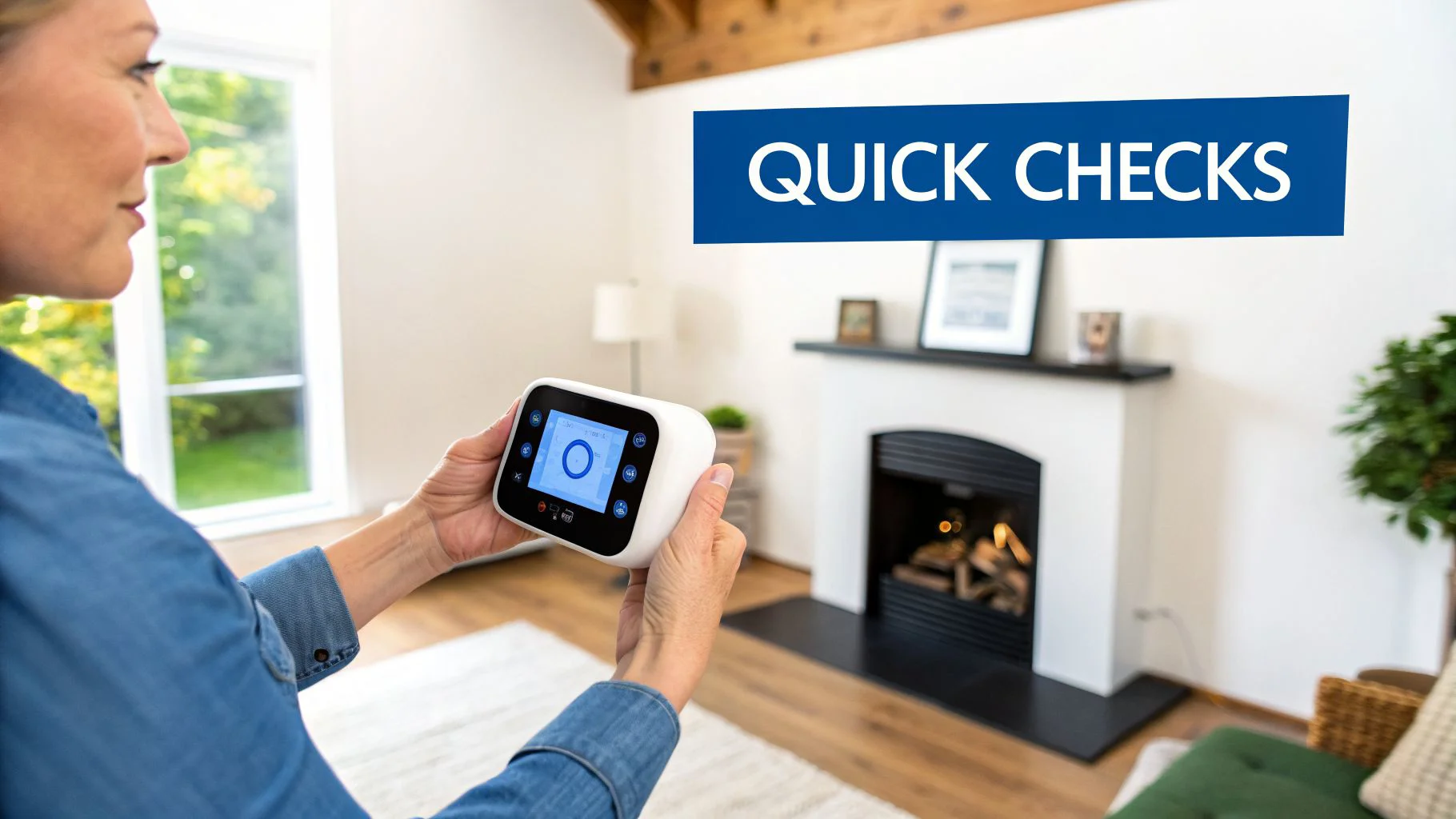
If you have a hardwired smart thermostat and the screen is dark, that usually points to a problem with the 24V power coming from the furnace itself. And that brings us to your home’s electrical panel.
Safely Checking Your Circuit Breaker
Your breaker box is the mission control for your home's electricity. It’s entirely possible that you accidentally caused a small short circuit while wiring the thermostat, which would have tripped the breaker for your HVAC system.
Go find your breaker panel and look for the circuit labeled "Furnace," "HVAC," or "Air Handler."
- Find the tripped breaker. A tripped breaker won't be in the 'ON' position. It’ll either be flipped to 'OFF' or, more often, stuck awkwardly in the middle.
- Reset it the right way. You can't just flip it back to 'ON'. You have to push the switch firmly all the way to the 'OFF' position first, then flip it back to 'ON'.
A lot of the time, if a safety switch has tripped, it has simply done its job by cutting power during a fault. Resetting it should bring everything back to life. But if that breaker clicks off again immediately, stop what you're doing.
Important Safety Note: A breaker that keeps tripping is a major red flag. Don't keep resetting it. It's signaling a persistent electrical short, either from the new wiring or a separate issue. It's time to call a professional electrician.
Don't Forget the Furnace Power Switch
Here’s one that gets people all the time. Most furnaces have a dedicated power switch, usually located right on or next to the unit. It often looks just like a regular light switch. It's incredibly easy to bump this switch to the 'OFF' position or to forget you turned it off for safety before you started the thermostat swap.
Give it a quick check and make sure it’s flipped to 'ON'. And if you have a smart thermostat with battery backup, you might be curious about how a low battery can affect furnace operation.
Once you've confirmed all these power sources are active, your system should hopefully kick on. If you've checked the settings, the batteries, the breaker, and the furnace switch and still have nothing, the problem is most likely in the wiring itself.
Checking Thermostat Wiring Without The Guesswork
So, you’ve confirmed the system has power, but the furnace is still stubbornly refusing to kick on. The next place to check is almost always the thermostat wiring. A new thermostat install lives and dies by these connections—get just one wire in the wrong terminal, and your furnace will stay quiet.
Don't let that little bundle of colorful wires intimidate you. It looks more complicated than it really is.
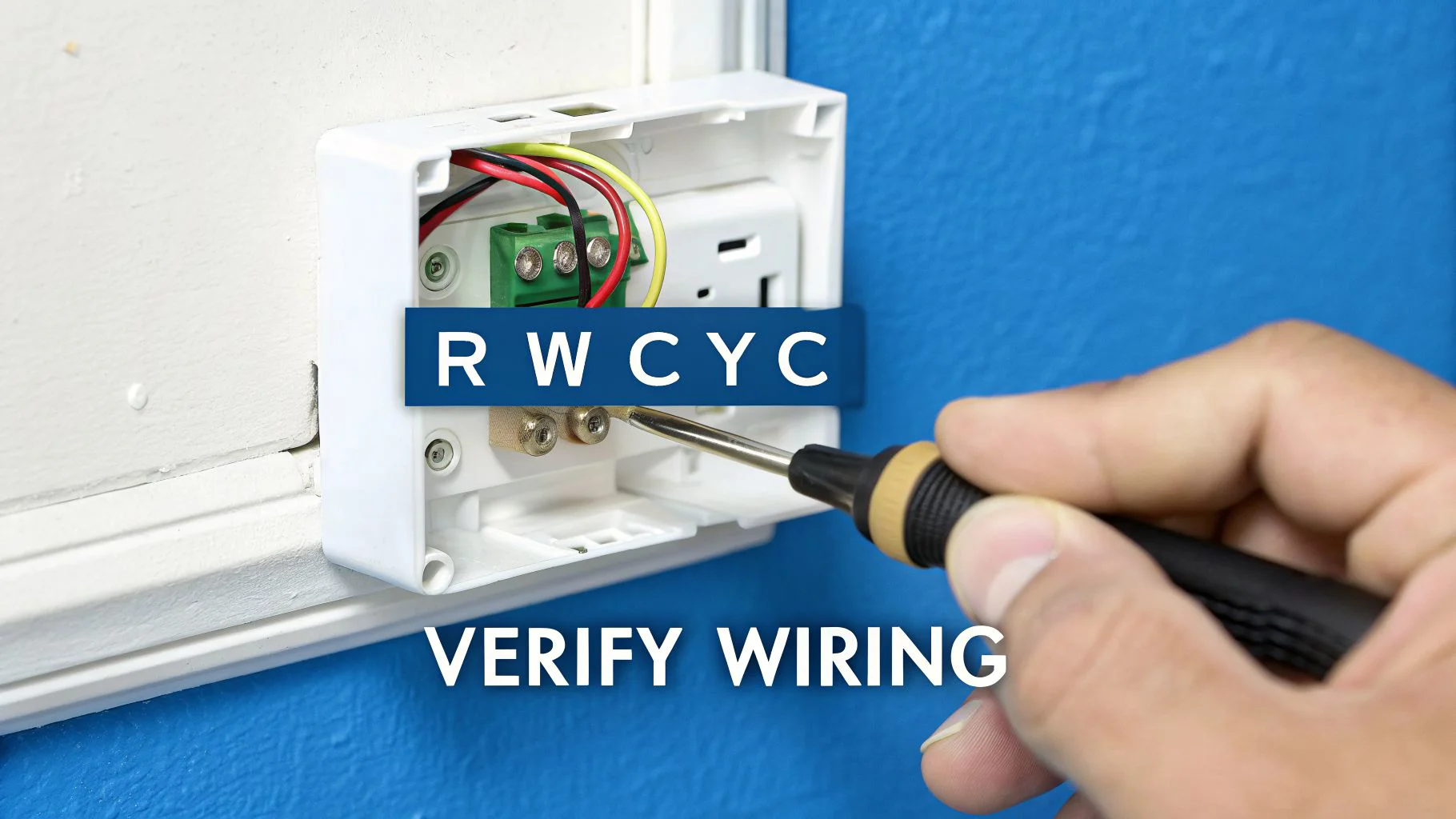
First things first: head back to the breaker and kill the power again. Safety first, always. Then, gently pop the faceplate off your new thermostat so you can see the wiring terminals behind it. Let's take a look at your handiwork.
Decoding Your Thermostat Wires
Every one of those colored wires has a specific job. While the colors are usually standard, it's the letters on the terminals that you need to pay attention to. Here’s a quick rundown of what you’re looking at:
- R, Rh, Rc (Red): This is your 24-volt power line. The R wire is the main power coming from the transformer in your furnace. Sometimes you’ll see two—Rh (power for heat) and Rc (power for cooling)—which are often linked by a tiny metal jumper.
- W (White): This is the heat wire. When the thermostat connects the R and W wires, it’s like flipping a switch that tells your furnace to start making heat.
- G (Green): This one controls the fan. Connecting the R and G wires tells the blower fan to run on its own, even if the heat or AC isn't on.
- Y (Yellow): This is for your air conditioner. It sends the signal for the outdoor compressor unit to fire up.
- C (Blue or Black): This is the common wire. Its job is to provide a continuous stream of power to the thermostat itself. This is absolutely essential for most smart thermostats that need constant power for their screens and Wi-Fi.
The most common mistake we see is a simple mix-up. Double-check that the wires are going to the same lettered terminals on both your new thermostat and the control board inside your furnace. If you snapped a quick picture of your old thermostat's wiring before you took it off, now's the time to pull it up. It’s worth its weight in gold.
Pro Tip: Don't just trust the wire colors. The person who installed the last thermostat might not have followed the standard color code. Always match the wire from the terminal on the old unit to the same lettered terminal on the new one.
The C-Wire Conundrum
Ah, the C-wire. This little wire is the source of so many headaches when a furnace is not turning on after a thermostat change. Old-school thermostats were just simple mechanical switches or ran on batteries, so they didn't need one.
Modern smart thermostats, on the other hand, are little computers. They need a constant, dedicated power supply to run their fancy screens, processors, and Wi-Fi radios.
If your new thermostat needs a C-wire but you don't have one connected, it might not power on at all. Or, it might try to "steal" power from other circuits, which can cause all sorts of bizarre behavior. Sometimes there’s a spare, unused wire tucked back in the wall that you can connect to the 'C' terminal on your furnace's control board.
If you're running into issues with a Nest specifically, a common problem is the device trying to work without this dedicated power source. For a deeper dive, you can learn more about how to handle Nest thermostat wiring issues in our detailed guide.
Check for Secure Connections and Compatibility
While you're looking at the wiring, give each wire a gentle tug to make sure it's seated firmly in its terminal. A loose wire is a classic reason for an intermittent connection or a total failure. The bare copper end needs to be clamped down securely by the screw or push-in connector, with no stray strands touching any other terminals.
Finally, take a second to confirm your new thermostat is actually compatible with your HVAC system. Most thermostats are fine for standard single-stage furnaces, but if you have something more complex—like a multi-stage system, a heat pump, or proprietary communicating equipment—you need a thermostat that's specifically designed for it. Mismatched gear will simply refuse to talk to each other.
If you've triple-checked the wiring, confirmed the connections are solid, and you know the thermostat is compatible—but it's still not working—the problem might be hiding deeper inside the furnace's own safety controls.
Inspecting Furnace Safety Switches and Components
Alright, so you've confirmed the thermostat is set right, it has power, and all the wires are snug. If your furnace still isn't kicking on, it’s time to move the investigation over to the furnace itself.
Believe it or not, the problem often has nothing to do with your new thermostat. Instead, it's usually a safety feature on the furnace that got tripped along the way. These switches are built-in protectors designed to shut the system down before any real damage can happen.
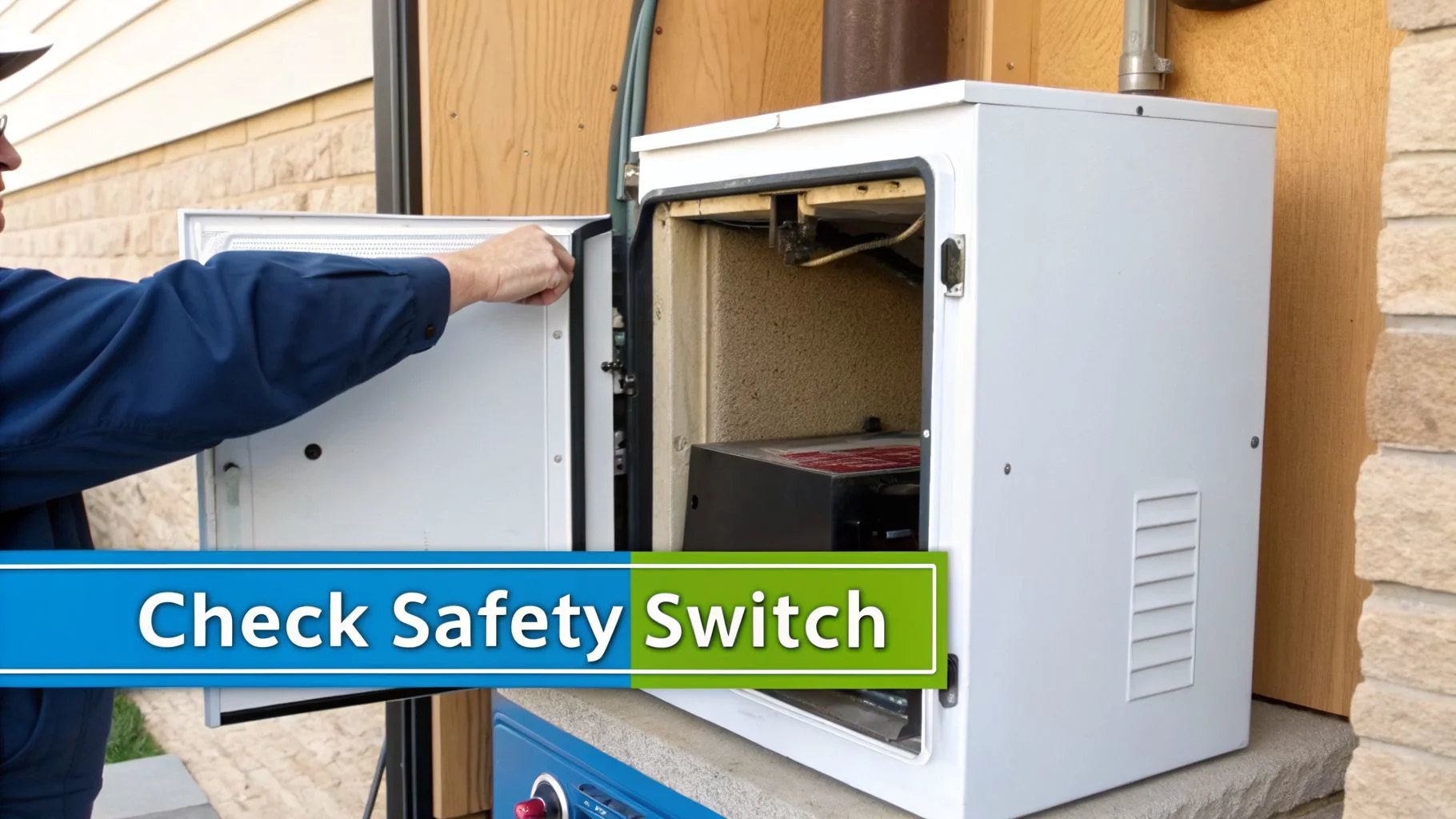
One of the most common culprits is the furnace door safety switch. I've seen this trip up countless homeowners. It’s a simple little button or plunger that gets pressed down when the furnace cover is on securely. If you didn't seat the panel just right after you were done, that switch stays open and cuts power to the whole unit. It’s a really easy thing to miss.
Go find this switch—it's usually right on the edge of the cabinet where the door sits. Just make sure the panel is on tight and pressing that button down all the way. You should hear a little click when it engages.
The Role of Airflow and High-Limit Switches
Another key safety device is the high-limit switch. Its only job is to watch the temperature inside your furnace. If things get dangerously hot, this switch trips and shuts down the burners to prevent the furnace from overheating. This is a critical safety feature that can prevent a cracked heat exchanger, which is a serious hazard.
So what makes a furnace overheat? Nine times out of ten, it’s a completely clogged air filter. A dirty filter chokes off airflow, and all that heat the furnace is producing has nowhere to go. The temperature skyrockets, and the limit switch does its job and shuts everything down.
Key Takeaway: That dirty filter is more than an air quality problem—it's a leading cause of furnace shutdowns. Swapping your filter every 1-3 months is probably the single most important bit of maintenance you can do.
In fact, clogged filters and dirty flame sensors are behind a staggering number of furnace failures. Together, they account for an estimated 50-60% of all residential furnace service calls we get. You can see just how much these simple parts matter by checking out these insights on furnace operation.
Identifying a Dirty Flame Sensor
Here’s a classic symptom: you hear the furnace click on, the burners light up for just a few seconds, and then poof—the whole thing shuts off. If that sounds familiar, you might be dealing with a dirty flame sensor.
This is just a small metal rod that sits right in the path of the flame. Its job is to tell the furnace's control board, "Yep, we have fire!" When the sensor gets coated in a thin layer of carbon buildup, it can't feel the flame anymore. The control board thinks the gas is on but there's no fire, so it shuts off the gas as a safety precaution.
If this sounds like your issue, we have a complete guide that shows you exactly how to locate the flame sensor on a furnace.
Finally, pop the cover off the furnace one more time and look for the control board. Most modern furnaces have a little LED light that blinks out error codes. A slow, steady blink is usually a good sign (normal operation), but a rapid flash or a specific number of blinks points to a specific problem. There’s almost always a sticker on the inside of the furnace door with a guide to help you figure out what the codes mean.
Knowing When to Call a Professional for Help
Let's be honest, there's a certain point in any DIY project where you have to know when to tap out. When your furnace isn't kicking on after a thermostat swap, you’ve done the smart thing by checking the settings, making sure the power is on, and even peeking at the wiring. But if your house is still cold, it’s time to put the tools down.
Pushing further on your own, especially without a lot of HVAC experience, can turn what might be a simple repair into a complete replacement. Worse, you could create a serious safety risk. At this stage, the problem is almost certainly inside the furnace itself, and that’s a job for someone with specialized tools and training.
Obvious Signs You Need a Technician
Some problems just scream "call a pro." If you notice any of these red flags, your next move should be to call a licensed HVAC technician from a trusted company like Neighborhood Plumbing, HVAC, and Electrical.
- Strange Noises: Loud buzzing, humming, or screeching coming from the furnace cabinet is not normal. This usually points to a failing motor, a bad capacitor, or some other electrical problem that needs immediate attention.
- Burning Smells: A distinct smell of burning plastic or hot metal is a huge red flag. Shut the system down immediately. This means an electrical component is overheating and could be a fire hazard.
- Repeatedly Tripping Breakers: If you reset the breaker and it trips again right away—or even a few minutes later—stop. There's an electrical short somewhere in the system, and hunting that down is not a DIY job.
- Water Leaking Around the Furnace: While some condensation can be normal, active drips or puddles are bad news. I’ve seen water leaking from a draft inducer short out the main control board more times than I can count.
- Confusing Error Codes: If the blinking light on your furnace's control board flashes a code you can’t figure out, or one that points to something like a "gas valve fault," it's time to let an expert handle it.
Don’t Ignore the Warning Signs. Trust me on this. Trying to reset or run a furnace that's showing these symptoms can lead to much more expensive damage. A licensed tech can safely figure out if it's a failing control board or a bad draft inducer motor without putting you or your system at risk.
Your DIY work was a success—you've officially ruled out all the simple stuff. Now, let an expert take it from here to get your home warm and make sure your system is running safely and reliably.
Common Questions After a DIY Thermostat Swap
Okay, so you’ve wired everything up, mounted the new thermostat, and… nothing. It’s a frustrating moment, but don't panic. A lot of homeowners run into the same little hiccups after a DIY install.
Let's walk through a few of the most common questions we get and what the answers usually are. These scenarios can help you figure out what's going on when your furnace won't kick on after a thermostat change.
My New Thermostat Screen Is Blank—Now What?
If your new thermostat is just a blank screen, the first thing to check is the power. It sounds obvious, but it’s the most common culprit. For battery-powered models, don't trust the batteries that came in the box. Swap them out for a fresh set and make sure they're installed correctly.
For hardwired smart thermostats, a blank screen almost always means it’s not getting the 24V power it needs from the furnace. Before you do anything else, go check that the furnace door panel is on tight. There’s a safety switch that gets pressed down by the panel, and if it’s not engaged, the whole system stays off. After that, find your home’s electrical panel and flip the breaker for your HVAC system off and on again.
Can I Use Any Smart Thermostat with My Furnace?
No, and this is where a lot of DIY installs go wrong. Compatibility is everything. While most standard furnaces play nicely with basic thermostats, more complex HVAC systems have very specific requirements.
- Heat pumps need a thermostat that knows how to control the auxiliary heat strips.
- Multi-stage furnaces require a thermostat capable of managing different heating levels for efficiency.
- Proprietary communicating systems are brand-specific and will only work with thermostats from the same manufacturer.
Always, always check that your new thermostat is compatible with your HVAC system before you buy it. A mismatch here means it simply won’t communicate with your furnace, no matter how perfectly you wire it.
A "click" from your thermostat is a good sign. It usually means the thermostat is working and telling the furnace to turn on. If you hear the click but the furnace doesn't fire up, the problem is likely at the furnace itself. Common issues include a dirty flame sensor, a clogged filter that’s triggered a safety lockout, or a faulty ignitor.
If you've worked through these common issues and your heat is still off, it's time to call in a professional. The licensed technicians at Neighborhood Plumbing, HVAC, and Electrical can diagnose the problem safely and get your home comfortable again. Don't spend another minute in the cold—schedule your furnace service today.